

Automate processes and integrate your store, ERP, accounting and CRM
A practical guide to business process automation: what integration really means, the four flows that save the most, how Shopify, World Office, Siigo, SAP, Odoo, HubSpot and WhatsApp connect, and in which order to do it.
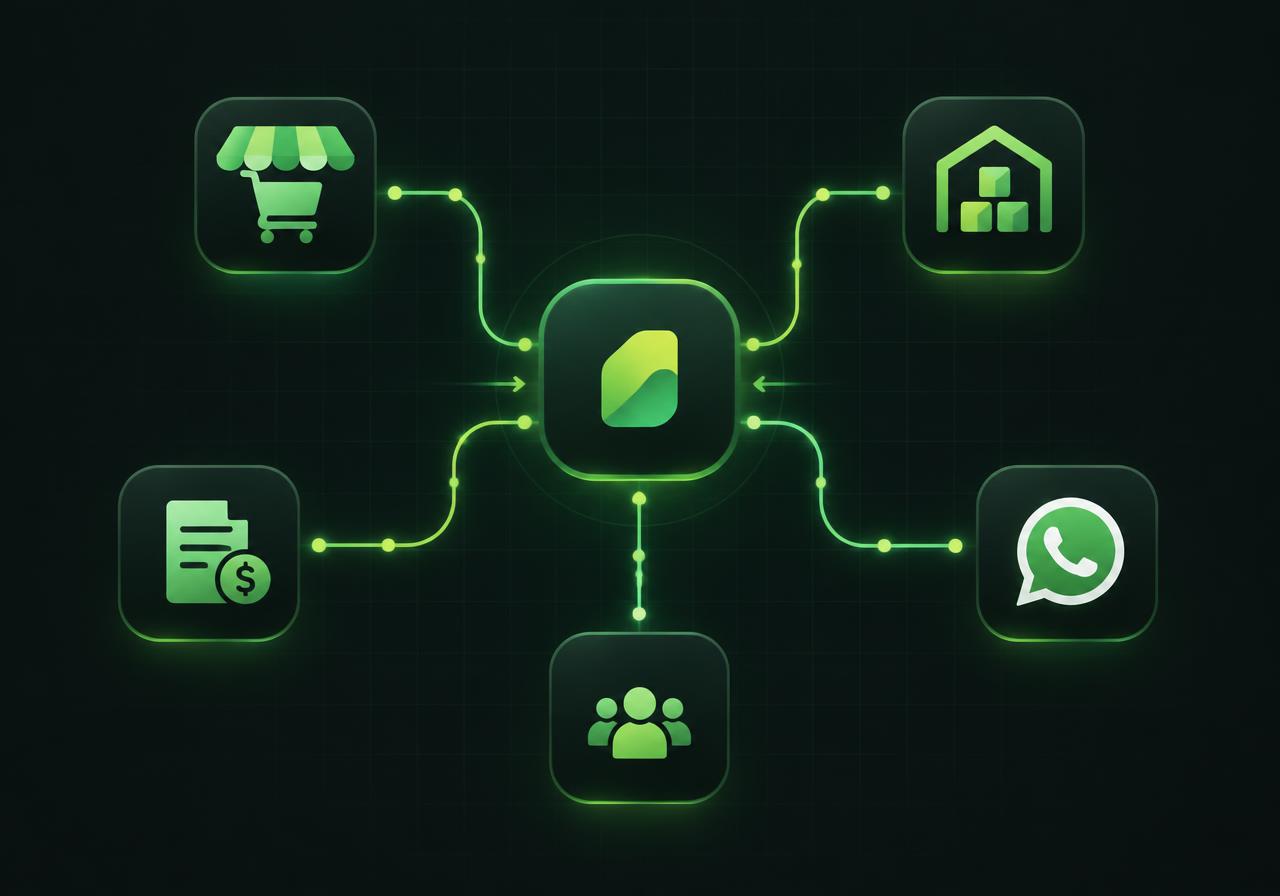
“Automation” is used for everything, which is why it barely means anything. In practice, automating a process is one very concrete thing: a piece of data is recorded once and the process moves forward on its own, with nobody copying it into another system or remembering the next step.
Here's how it's done with the applications a company already uses day to day: the online store, the ERP, the accounting software, the CRM and WhatsApp.
Integration is not exporting a file
Many companies believe they're integrated because someone downloads a spreadsheet from the store and uploads it to accounting. That's not integration: it's the same data entry with extra steps and a human who can forget it.
Integration means the systems talk over APIs or webhooks: when something happens on one side, the other knows within seconds, with no intervention. That's the starting point of any automation that lasts.
- ▸A single source of truth for sale, invoice, customer and stock.
- ▸Events, not manual chores: “the order was paid” triggers what comes next.
- ▸Visible errors: when something fails the system reports it instead of losing it.
- ▸Full history: who did what, when and from where.
The four flows that save the most
You don't automate everything. You start with the four flows that repeat dozens of times a day and where an error costs money.
| Flow | Before | After |
|---|---|---|
| Sale → accounting | Someone types the invoice at closing | The document is created when the sale is confirmed |
| Order → inventory | Check the spreadsheet and promise by feel | Stock is deducted and alerts at the minimum |
| Message → task | Stays in the chat and gets forgotten | Enters as a task with owner, date and status |
| Payment → receivables | Reconciled manually days later | The payment is applied and the customer released instantly |
What it connects to, and how
Integrations run against each system's official API, with the client's own credentials and a log of every call.
- ▸Online store: Shopify, WooCommerce, WordPress and Mercado Libre, through order and payment APIs and webhooks.
- ▸ERP and accounting: World Office, Siigo, SAP, Odoo, Dynamics and Helisa, for documents, contacts and inventory.
- ▸CRM and sales: HubSpot, Salesforce, Zoho and Pipedrive, for customers, deals and activities.
- ▸Messaging and data: WhatsApp Business API, email, Google Sheets, REST APIs and your own webhooks.
And if a system has no API
It happens, especially with on-premise or older software. It's not a wall: it's a different mechanism, with more error control.
- ▸Scheduled files: automatic import and export over a folder or SFTP, with validation first.
- ▸AI document reading: PDF or photo invoices and delivery notes become reviewable records.
- ▸Direct database connection, read-only, when the vendor allows it.
- ▸A human validation screen before anything is written into accounting — always.
How to measure whether automation worked
Automation without numbers is a hunch. These are the indicators we review before and after.
- ▸Hours per month spent typing and consolidating information.
- ▸Time from an order arriving to being registered and assigned.
- ▸% of processes that move forward with no manual step.
- ▸Errors, returns and credit notes caused by bad data entry.
- ▸Days of receivables and time spent reconciling at month-end.
- ▸Real cost per sale and per process, which simply didn't exist before.
In which order to do it without stopping the operation
Automation happens in layers, with the business running. Every stage ships something.
- ▸Map the real process, not the one in the manual.
- ▸One end-to-end automated flow, the most painful one first.
- ▸Connections to the systems already in use, plus data history.
- ▸Alerts and automatic follow-up, so nobody has to chase people.
- ▸Cost and margin dashboard, once the data comes in clean.
Frequently asked questions
Does automation mean laying people off?+
In the projects we implement, no: the team stops typing and consolidating so they can sell, collect and serve customers. What disappears is copy-paste work, not people.
Can I automate only one part?+
Yes, and that's the recommended path. Start with one complete flow — usually orders or collections — and add the rest in stages, without stopping the operation.
What if the vendor's API fails?+
It's designed with retries, a pending queue and alerts. If a call can't complete, it's recorded and visible for reprocessing — never silently lost.
Can WhatsApp messages be automated?+
Yes. An AI agent receives the message, interprets it and turns it into an order or a task inside the system, confirming before anything is recorded.
How long does an integration take?+
A single integration usually takes days; the full set of connections for a whole operation fits inside a project of under three months.
Keep reading
Sources and references
Which process would you automate first?
Tell us how orders and data reach you today and we'll show you the integrated, automated flow that would win you the most time.